Go from course idea to course done (without the scattered notes)
The Course Creation Workflow gives you one Trello board that holds your outline, your modules, your lesson checklists, and every little step you'd otherwise forget. So you always know what's next, and you can pick right back up after life pulls you away.
YES, I WANT THIS WORKFLOW Just $37 · Instant access
You know what you want to teach. Getting it finished is the hard part.
Sound familiar?
- Your course outline lives in a Google Doc, half your lesson ideas are in your Notes app, and the rest are on a sticky note somewhere.
- You sit down to work on it, then spend the first 20 minutes figuring out where you left off.
- The welcome video, the disclaimers, the next steps lesson? Totally forgot those until the very end.
- Bonuses, freebies, and sales page ideas pop into your head at random times and then disappear.
- Every new course feels like starting from scratch, even though you've done this before.
Here's the thing. Creating a course isn't one big task. It's dozens of little ones. And trying to hold all of them in your head (while running your business and your life) is exhaustingggg.
You don't need more motivation to finish your course. You need a workflow that remembers everything for you.
The Course Creation Workflow
A simple, organized Trello board (plus step-by-step training) that walks you through planning, building, and wrapping up your course. Whether it's your first course or your fifth, you'll have one place to see the whole thing, track your progress, and keep moving.
❌ Without a workflow
- Ideas scattered across five different places
- Forgetting key lessons until launch week
- Losing your momentum every time you step away
- Rebuilding your process for every new course
☑️ With the Course Creation Workflow
- Every note, link, and idea in one board
- Checklists for every module so nothing slips
- Open the board and see exactly where you left off
- A customized template you reuse for every course
Your whole course, mapped out start to finish
The board follows the actual flow of a course, from brainstorming all the way to the celebration lesson at the end.
Plan the big picture
Brain dump your outline, shape your framework, and park name, freebie, bonus, and sales page ideas the second they show up.
Build module by module
Every module gets its own list and every lesson gets its own card, so you can see what's done and what's next at a glance.
Finish strong
The welcome lessons, celebration video, testimonial ask, and next steps are already on the board, so they never get forgotten.
I'll show you exactly how to make it yours
This isn't a board you have to figure out on your own. The step-by-step strategy training walks you through every part of the course creation process, so you can go from idea to done without the chaos.
What you'll learn:
- How to set up the Trello board to manage your course creation process with ease
- Course creation checklists with every step listed to help you go from idea to getting your course done
- The easy way to track your progress so you can pick up right where you left off
- What to include in every Course Creation Workflow board to make the process faster
- A behind-the-scenes look at my own course creation workflow so you can see it in action

Here's everything you'll get
Trello Board Template
The full Course Creation Workflow board, plus simple instructions for copying it into your own Trello account.
Video Walkthrough Tutorial
A guided tour showing you how to customize the board and use it to manage your entire course creation process.
Customization Notes
Helpful notes so you can tailor the template to your course and get the most out of it.
Student Community Invite
An invite to my student and client community, so you're not figuring this out alone.
Is this for you?
This is for you if...
- You're planning your first course and want a clear path from idea to done
- You've created courses before but rebuild your process every time
- You work on your course in pockets of time and keep losing your place
- You want a done-for-you checklist so nothing slips through the cracks
- You like seeing everything visually in one place
This might not be the right fit if...
- You're looking for a course on what to teach or how to market your course
- You're committed to a different tool like Asana or ClickUp (the strategy can inspire you, but the training is built around Trello)
- You want something to share with your team or resell (this is for personal use only)
How it works
No complicated setup. No blank board staring back at you.
Copy the board
Grab your template link and copy the board into your free Trello account in just a few clicks.
Make it yours
Follow the walkthrough to customize your lists, modules, and checklists for the course you're building.
Reuse it forever
Save your customized version as your go-to template and use it for every course you create from here on out.
What students say about my templates + trainings
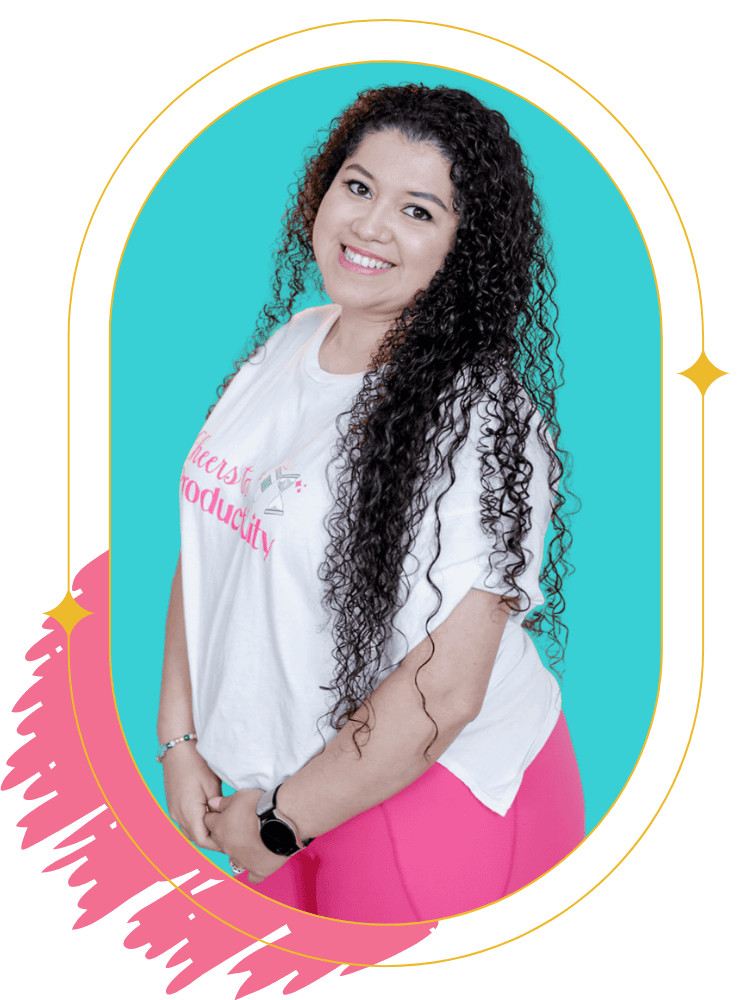
I'm a Productivity + Trello Strategist and the creator of Taskflow Magic. I'm also a course creator myself, which means this board isn't theory. It's the same workflow I use behind the scenes to plan and build my own courses.
I went from a hardcore paper planner girl to running my entire business in Trello, and I'm managing more now than ever (with way less stress). My whole goal is to help you build simple systems that fit your real, busy life, so you can make progress in the time you actually have.
Ready to finally get your course out of your head?
Course Creation Workflow
Trello Template + Strategy Training
- Course Creation Workflow Trello board template
- Step-by-step instructions to copy the board into your account
- Video walkthrough on customizing and using the board
- Course creation checklists for every module
- Behind-the-scenes look at my own workflow
- Customization notes
Frequently asked questions
Can I use this for every course I create?
Yup! I'll show you what to do first so you end up with a customized template you can reuse for every course you want to create. (Personal use only.)
Is this for beginners or experienced course creators?
Both. If you're creating your first course, the checklists walk you through every step so you're not guessing. If you've done this before, you'll get a streamlined, reusable system so you stop rebuilding your process each time.
What is Trello?
Trello is a visual productivity tool that lets you create boards, lists, and cards to organize and prioritize tasks and projects. It's simple, flexible, and my tool of choice. It manages my entire business!
Do I need a paid Trello account?
Nope. A free Trello account is all you need to copy and customize the board.
What if I don't use Trello?
The template was built to copy right into Trello, and I'll show you how inside. Some students have taken the strategy and inspiration into tools like Asana or ClickUp, but that isn't something I cover in the training.
How do I get access?
Right after checkout, you'll get an email with your login details and next steps. Already have an account on my course site? You can log in at cheerstoproductivity.com/course-login.
Can I share the template with my team or a friend?
The template and training are for your personal use only. They can't be shared, in part or in whole, or repurposed into a product of your own.
Your course deserves to make it out of the Google Doc 🫶🏼
Imagine opening one board and seeing your whole course laid out, knowing exactly what to work on next, even if you only have 20 minutes today. That's what this workflow is for.